
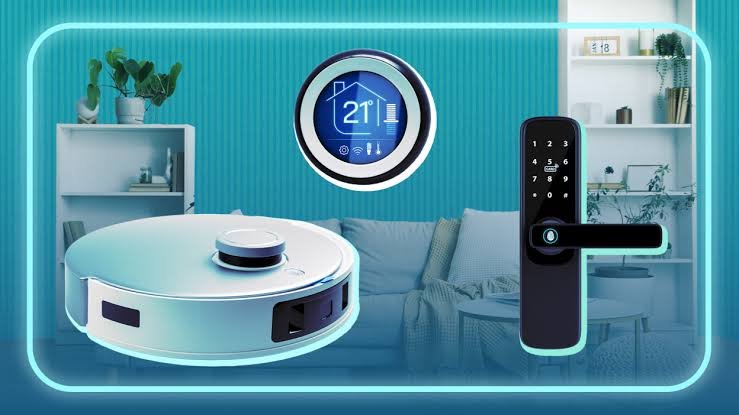
Two years ago, I was skeptical about smart home gadgets. Felt gimmicky. Then I installed a smart plug for my living room lamp, and somehow that one tiny change made me a believer. If you’re curious about smart home upgrades DIY projects, the good news is most of them don’t need an electrician or a full weekend of your life — just a Saturday afternoon.
Let’s go through the ones that are actually worth your time in 2026, not just the flashy stuff you see in ads.
Why Try Smart Home Upgrades DIY Instead of Hiring Someone
Quick answer: DIY smart home upgrades save money on installation fees, take just 30 minutes to 2 hours per device, and most modern smart products are designed for plug-and-play setup without any wiring knowledge.
Hiring an electrician for something like a smart plug is honestly overkill. Most smart home upgrades DIY projects are built for regular people — no technical background needed.
1. Smart Plugs
This is the easiest entry point. Plug it into any existing socket, connect it to an app, and suddenly your lamp, fan, or heater can be controlled from your phone or scheduled to turn off automatically.
2. Smart Bulbs
No wiring required — just screw them in like a normal bulb. You get color changes, dimming, and scheduling, and most brands work with voice assistants like Alexa or Google Home.
3. Video Doorbell
This one genuinely changed how I feel about home security. A video doorbell lets you see and talk to whoever’s at your door, even when you’re not home. Installation usually takes under an hour.
- Check your existing doorbell wiring compatibility first (some models are wire-free with battery)
- Mount at chest height for the best angle
- Test the app connection before finalizing the mount
4. Smart Thermostat
If you have central AC or heating, a smart thermostat can genuinely cut your electricity bill. It learns your schedule and adjusts temperature automatically. Setup takes about an hour if your wiring is standard.
5. Smart Locks
Keyless entry sounds futuristic, but it’s a straightforward DIY install on most standard door frames. You get a code, fingerprint, or app-based unlock — handy for families with kids who lose keys constantly. [link to related guide on best smart locks here]
6. Smart Speakers/Hubs
A central hub like a Google Nest or Amazon Echo ties all your other smart devices together. You just plug it in and follow the app setup — five minutes, tops.
7. Motion Sensor Lights
Great for hallways, staircases, and outdoor entry points. Battery-operated versions need zero wiring — just stick them up and they’re ready.
Common Mistakes People Make With Smart Home Upgrades DIY
I’ve made a few of these myself, not going to lie.
- Buying devices from different ecosystems that don’t talk to each other (stick to one app family if possible)
- Ignoring Wi-Fi strength in far corners of the house — weak signal means laggy devices
- Skipping firmware updates right after setup, which causes connectivity glitches later
FAQs
Q: Do I need an electrician for smart home upgrades? Not for most of them. Plugs, bulbs, and hubs are plug-and-play. Only complex wiring jobs like whole-home automation panels need a professional.
Q: What’s the best smart home device to start with? Smart plugs, honestly. Cheap, versatile, and they give you an immediate feel for how automation works before you invest more.
Q: How much does a basic smart home setup cost? Around ₹5,000-15,000 for a starter kit covering plugs, bulbs, and a hub.
Q: Are smart home devices safe from hacking? Reasonably, if you use strong passwords and keep firmware updated. Avoid using default passwords — that’s the biggest risk factor.
Q: Can smart devices work without internet? Some basic functions work locally, but most features (remote access, voice control) need an internet connection.
Conclusion
You really don’t need to overhaul your whole house to enjoy the benefits of a connected home. These smart home upgrades DIY projects prove that convenience, security, and energy savings are just a weekend project away. Start with one device, get comfortable, and build from there.
Suggested Alt Text:
- “Smart plug connected to a table lamp in a living room”
- “Video doorbell mounted beside a front door”
- “Smart thermostat display on a hallway wall”
